Built for speed. Recast for flight.
A yellow supercar trades the road for a vertical ramp.
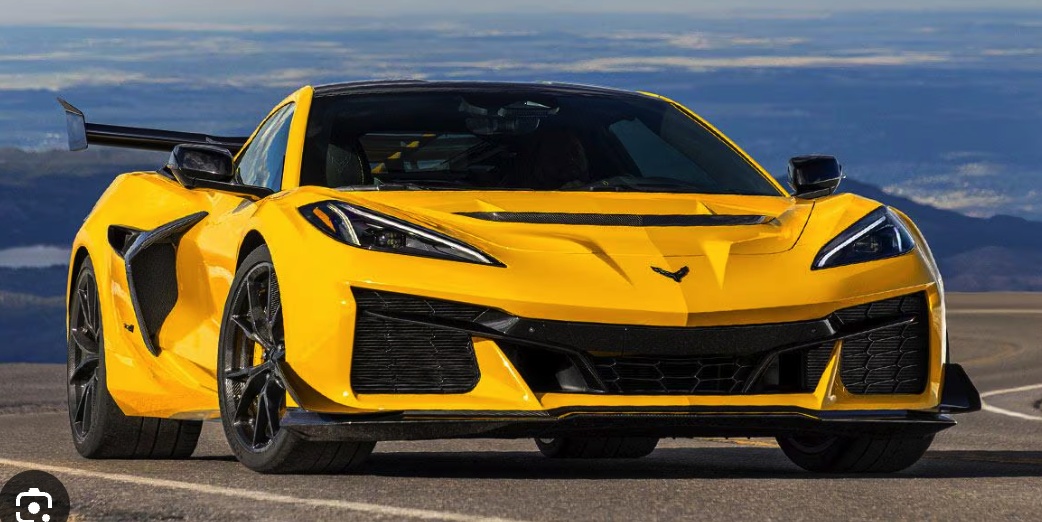
One photo is all it takes. Put your car in the driver’s seat of a cinematic ramp jump or mid-air flip.
A supercar. A bicycle. The same impossible ramp. See how one photo changes the whole scene — then give it your own spin.
Explore the showcasesA yellow supercar trades the road for a vertical ramp.
Two wheels. One very unexpected leap.
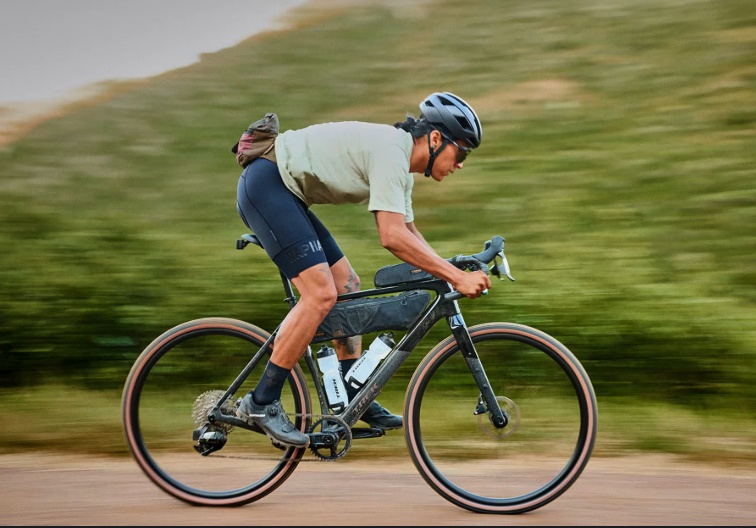
These are actual generated results. The middle clips are motion references. Every generation is different.
Choose a stunt, add your photo, and let the scene unfold.
Checking availability…
Credits are reserved when you submit and returned for confirmed failed tasks.
A sweeping climb up a curved ramp, a controlled mid-air roll, and a landing through pale vapor.
Original by TeslaReference footage, not a generated result.
Three perspectives. One extraordinary car. Choose the stunt your photo will bring to life.
Up the wall. Into the air.
Original by TeslaA whole new way to clear traffic.
Original by TeslaAll eyes on the landing.
Original by TeslaReference footage shows the intended motion. AI-generated results will vary.
Pick a template and preview the complete motion before you create.
Upload a clear photo. No prompt-writing or editing experience needed.
Generate, watch, and download. Add your own music before sharing.
Use a sharp, well-lit photo showing the whole car, including the wheels. Side and three-quarter views work well. We accept JPG, PNG and WebP up to 10 MB.
The reference guides movement, scene and camera. Your photo guides the vehicle’s appearance. AI can change details or motion, so always review the finished video.
The ramp template is 15 seconds, the side-view kickflip is 6 seconds, and the head-on kickflip is 8 seconds. Outputs use a 16:9 frame and are silent.
Credits are reserved when a task starts. Confirmed failed tasks return those credits automatically. An uncertain submission stays under review so you are not charged for an accidental duplicate.
Yes. Your task is saved in My creations. Check there for progress and download the finished video when it is ready.
No. Flying Car AI is an independent creative tool. The reference footage is attributed to Tesla; your results are AI-generated.